


Error
If you cannot recover access, contact support: [email protected]
Follow the instructions below:
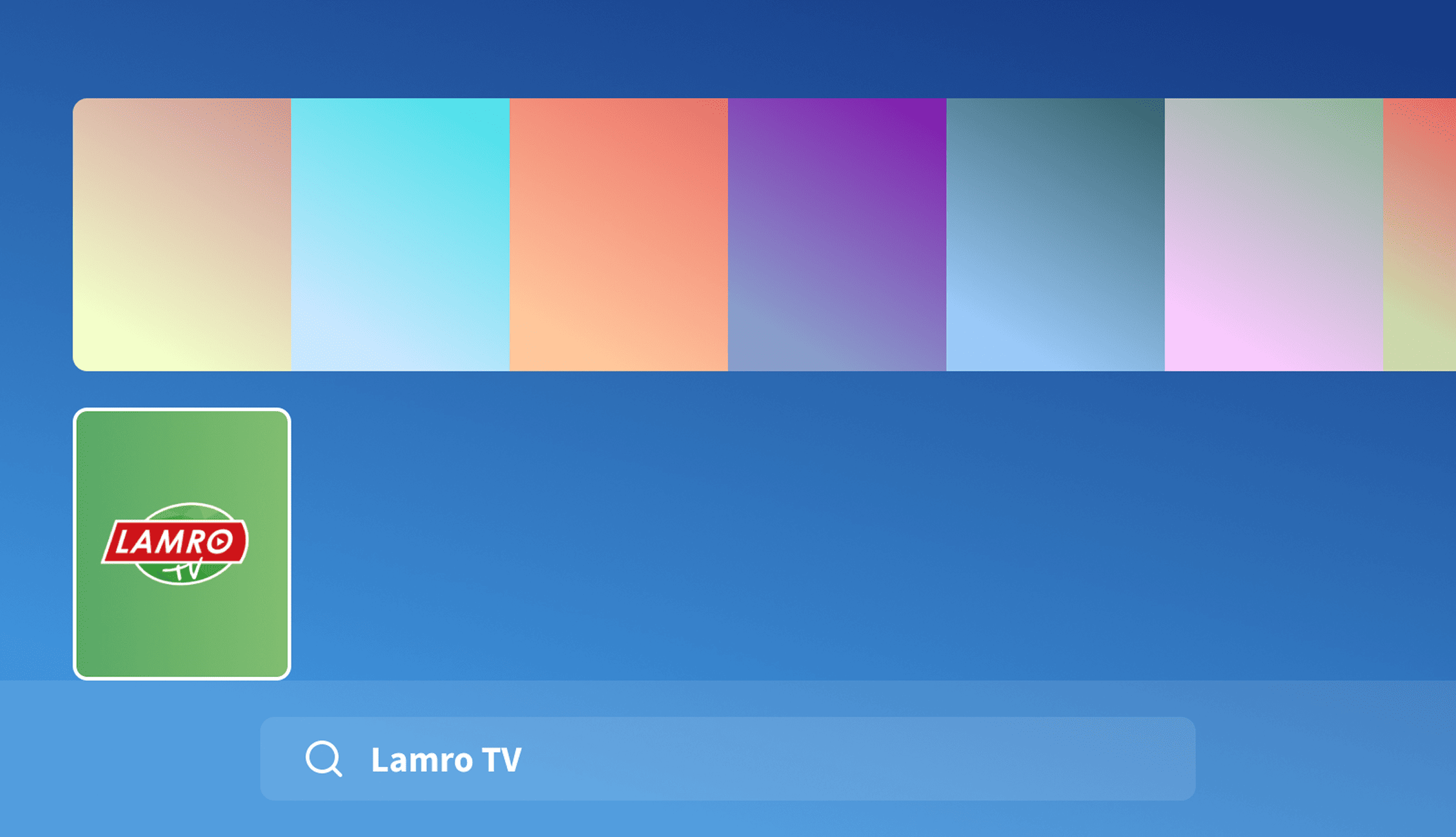
Follow the instructions below:
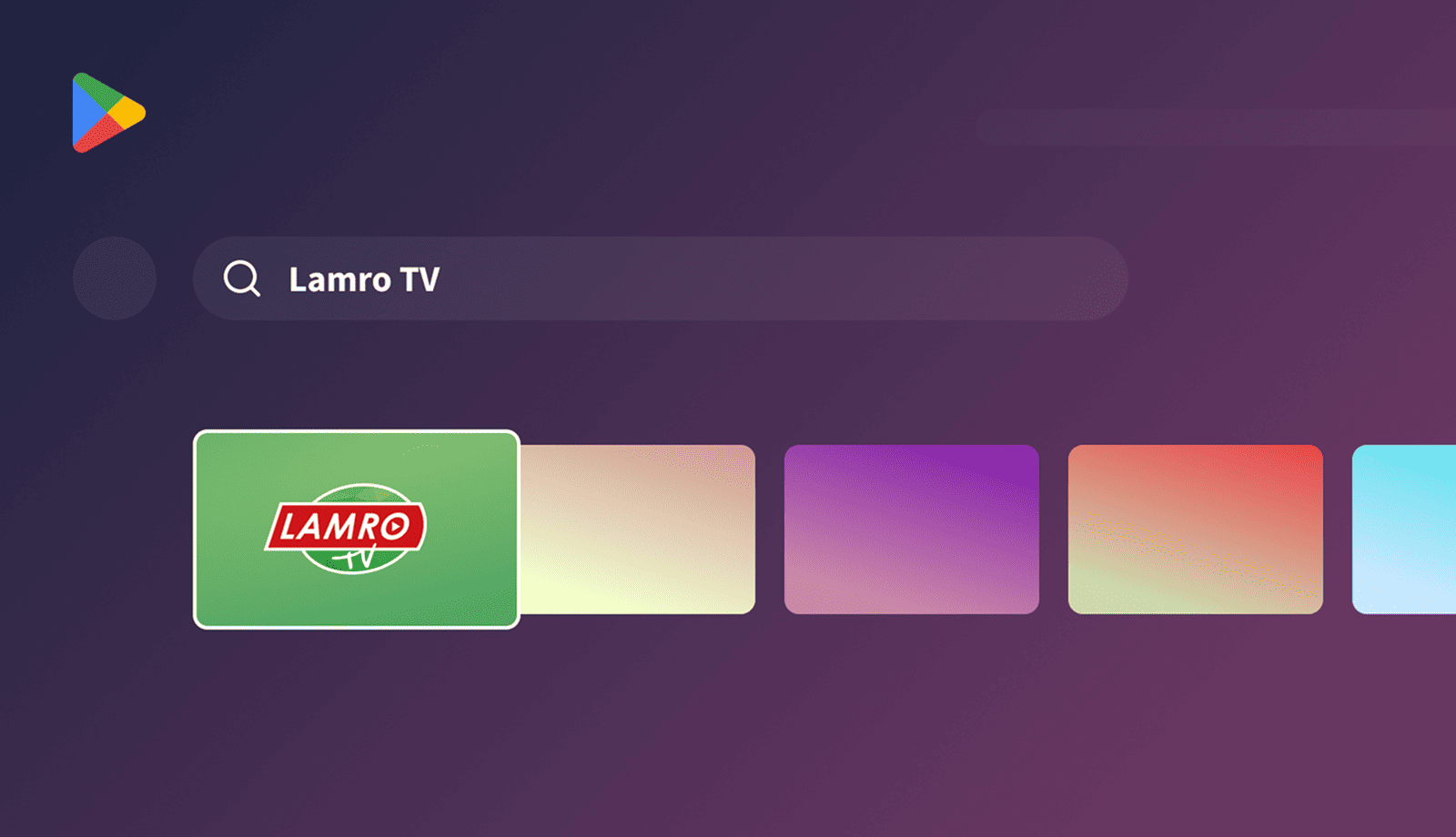
Follow the instructions below:
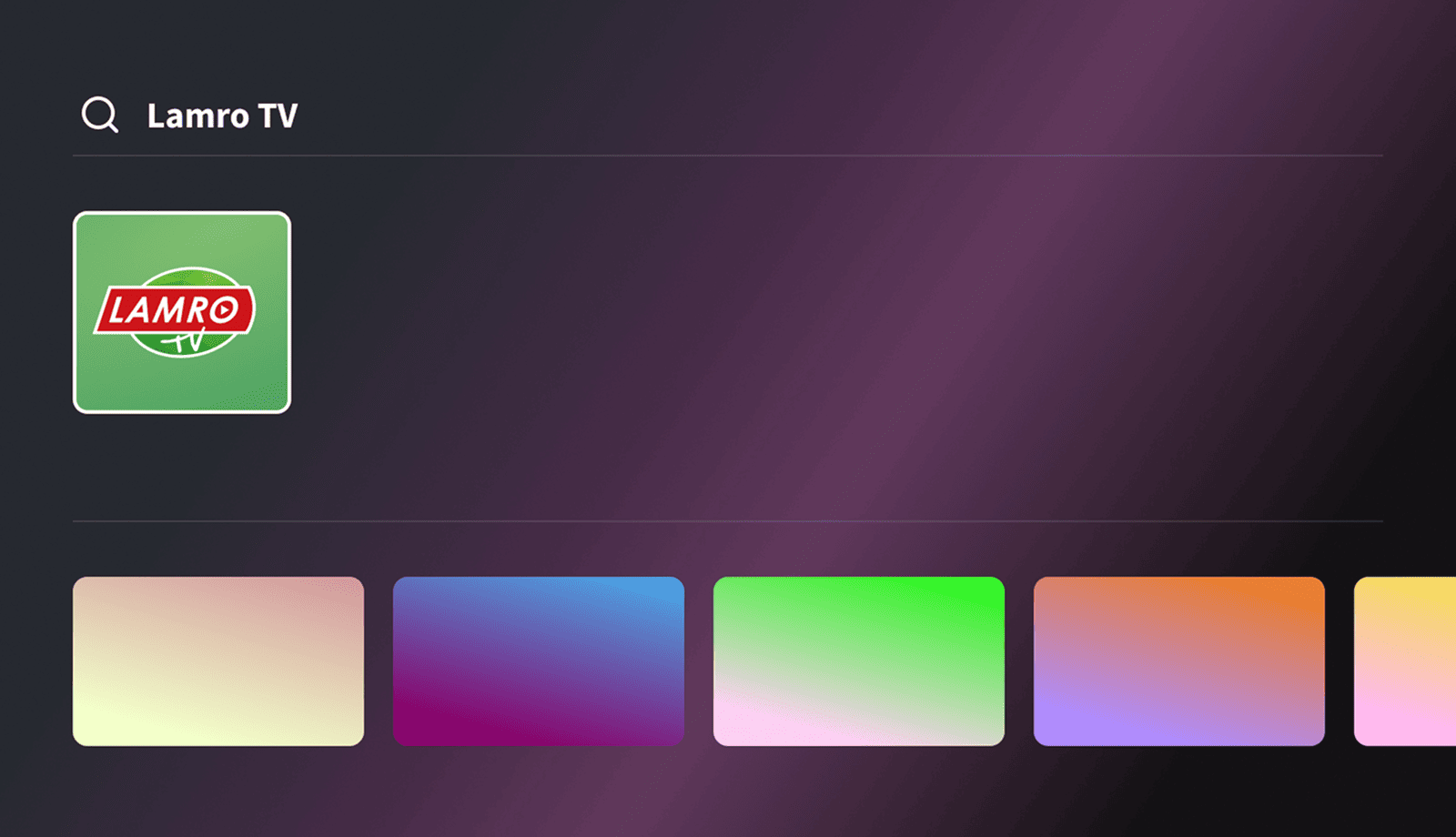
Follow the instructions below:
Follow the instructions below:
Follow the instructions below:
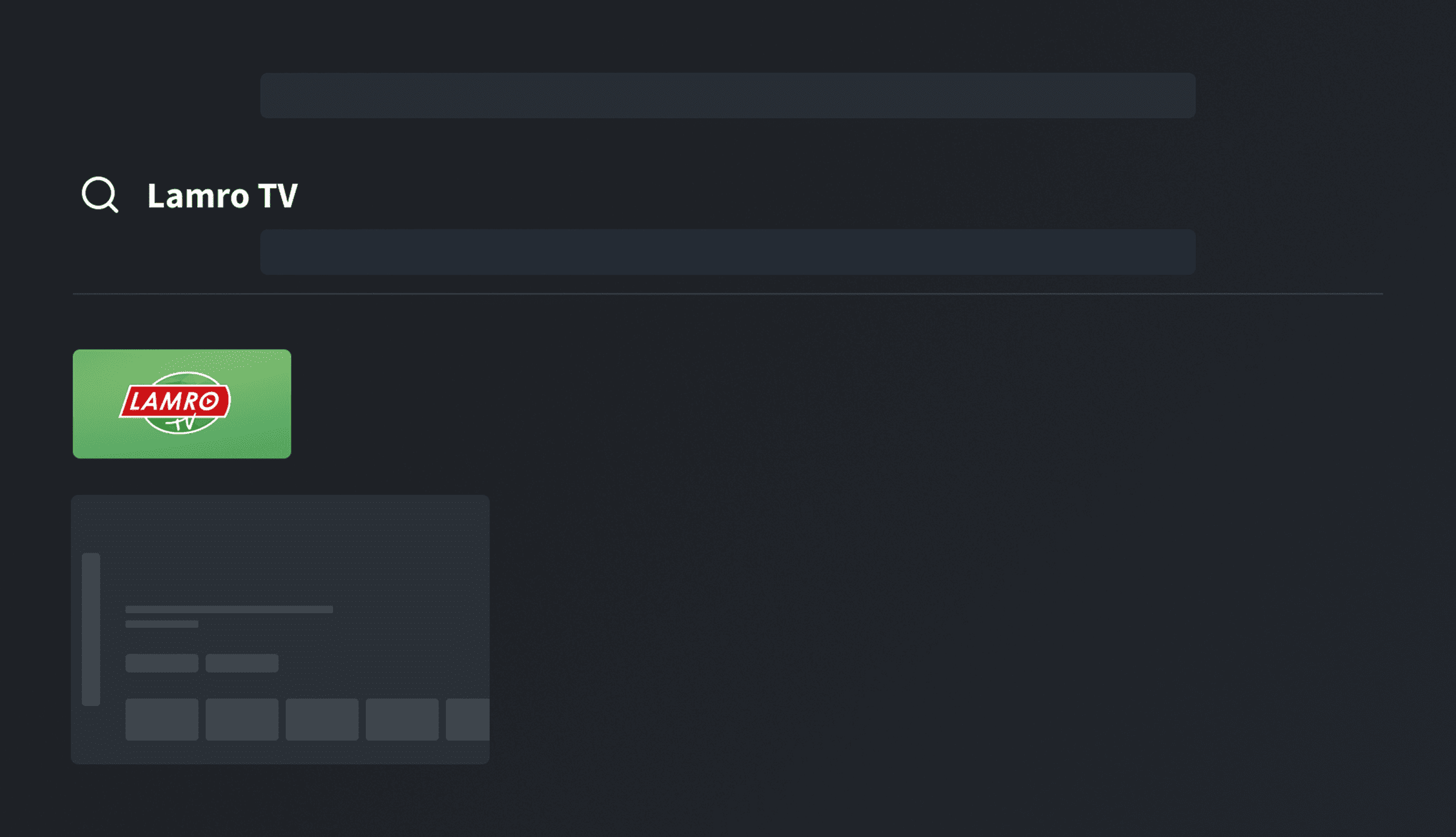
Follow the instructions below:
Follow the instructions below:
Why we are considered the best in our field
The best national TV channels
broadcast live
Most of our customers have already discovered the benefits of this service
Packages of the best Russian
and international TV channels
at attractive prices
Channel packages in HD quality. Watch only the best with us
Don’t have an account yet?
We sent a verification code to . Enter it below to complete your registration.
Send SMS again
Already a customer?
Login: 33719
Password: 951689
A confirmation email has been sent to the address you provided. Check your inbox (and spam folder if necessary) and follow the instructions in the email to complete verification.
You have already been signed in automatically. You can now choose a subscription.
Order now